Why I Love the Libby App from Overdrive
Have you tried out the Libby app? It’s a library app for ebooks and audiobooks made by Overdrive and it’s so simple and fun to use (plus it’s free!). Give Libby by Overdrive a spin and enjoy all the free audiobooks and ebooks your library has to offer, right from your phone!
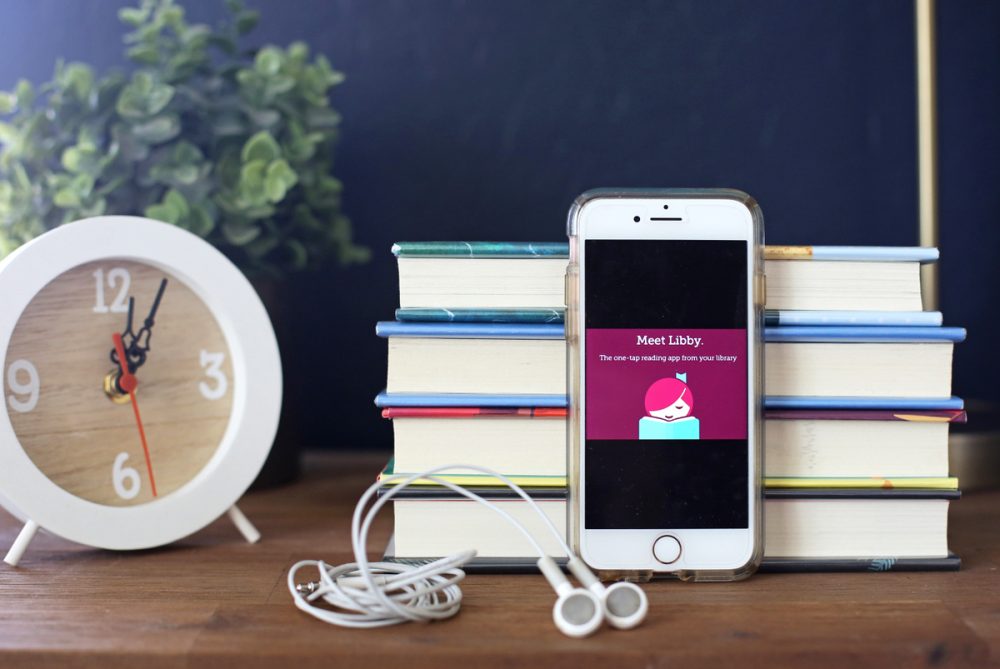
I started using Overdrive to listen to audiobooks on my phone from my library a decade ago, and it’s was one of my most used apps for years.
If you’re new to Overdrive, basically it’s a program that libraries can buy a subscription for to let their patrons download ebooks and audiobooks at home from their phones, tablets, or computers.
I wrote a whole post about how to use it here and I recommended it all the time.
Then, a few years ago, Overdrive released a new app called Libby.
I was curious, of course, about the Libby app and immediately downloaded it.
And I never went back to Overdrive (good news for me, because eventually Overdrive shelved the Overdrive app and moved entirely to the Libby app).
I personally find the Libby app to be SO much user-friendly and streamlined, and I think it’s much better than the Overdrive app ever was.
The Libby app reviews are through the roof, so I know I’m not the only one who loves this app (it has about 84,000 reviews averaging 4.7).
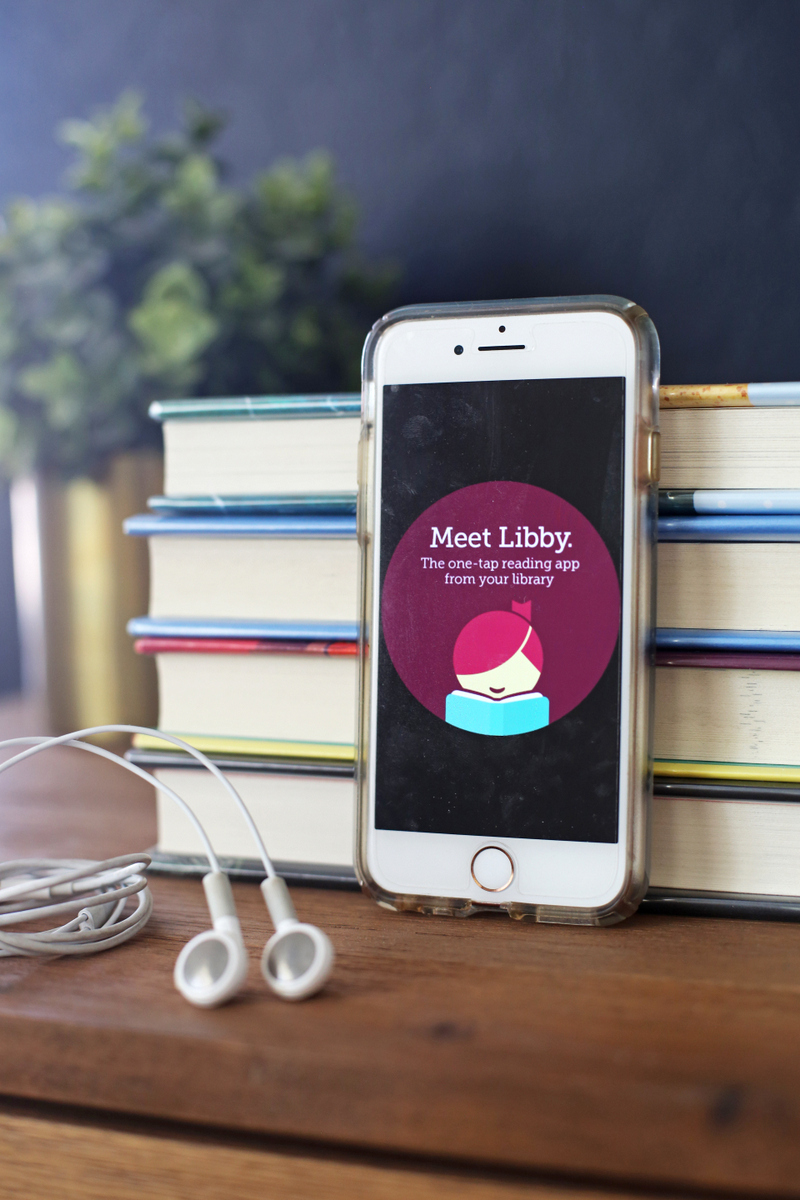
Here’s why I love the Libby app:
- You can easily switch between library cards and libraries. This is the number one reason I love the Libby library app with all my heart. I added all my libraries (I belong to several, because we’ve moved so much) and then I could add multiple cards for each library. For instance, here in Arizona, I have a card for me, plus a card for each of my two big girls, and if I go to check something out and one of my cards is full, it just shows me my other cards right there and I can toggle in half a second to the other one. No logging in and out. It’s seriously the best thing ever.
- It doesn’t log you out. Overdrive DOES log you out and this made me nuts because my phone wouldn’t always save my library card numbers and then I’d have to go grab my cards from my wallet and re-enter them fairly frequently. Libby hasn’t logged me out of any of my cards in the year I’ve been using it. So much teeth-grinding avoided right there.
- You can send Kindle ebooks right to your Kindle. This is so handy when I check out eBooks on Libby and I just click to send it right to my Kindle (it also shows up on my Kindle app on my phone).
- When a book comes up on hold, it automatically is added to your shelf. This was so irritating to me on the Overdrive app because once I got the email notification that my hold was available, I had to log-in (crossing my fingers that I’d picked the right card on the first try – which happened never), and then add the book to my bookshelf. Now, when a book comes up on hold, no matter what library it’s coming from or which card I used to place the hold, it shows right up on my shelf.
- You can easily see your prior Libby activity. This means I can quickly see which books I’ve checked out in the past and re-place holds on ones I didn’t finish or get to.
- You can see how long the hold lines are. Every book, whether you’re just browsing or you’ve already placed a hold, shows you not only how long the hold lines are but how long you can expect to wait for your turn to come up, whether that’s three weeks or six months.
- Every book shows you if it’s available in another format. If I’m looking at an e-book, toward the bottom of the description, it’ll show me if my library has it as an audiobook as well. I love this feature.
- You can read or listen to a sample of any title without downloading anything or having it open in a new window. The sample is just right there in the app, ready for you.
- You can set it to automatically download your items or only download when you ask it to. Because I share my cards with my girls, I don’t necessarily want 300 Boxcar Children audiobooks automatically downloading to my phone, so I’ve set it to just download when I choose. It’s one click and then I have my books, without having to clog up my phone with their books!
- You can choose to stream if you’re on wi-fi instead of downloading. For all those people who’ve asked me about their audiobooks taking up too much space, this is for you! I haven’t personally had any problem with them taking up too much space on my phone, but it’s nice to have the option to just stream instead of downloading.
What doesn’t the Libby app have?
- It currently doesn’t have a wish list feature like Overdrive did. Although you can use tags to basically make your own wish list, so I don’t really miss it. And word is that a wish list feature is coming.
- It isn’t compatible with all devices.
- You can’t yet request that your library buy a book for their Overdrive collection. This is my only real complaint about the Libby app, but they promise it’s coming soon.
A couple of questions about using Libby by Overdrive:
- Is there any reason to use both the Libby and Overdrive apps? You can’t anymore because the Overdrive app is no longer available.
- If you check something out on Overdrive, is it also checked out on Libby (and vica versa)? Yes! So I can see everything my girls have checked out whenever I log into Libby, which I like.
- Can I try out the Libby app without downloading it? Yes! You absolutely can which I think is so fun. Give it a spin on their page here – it’s a ridiculously powerful demo and is JUST like using it on your phone.
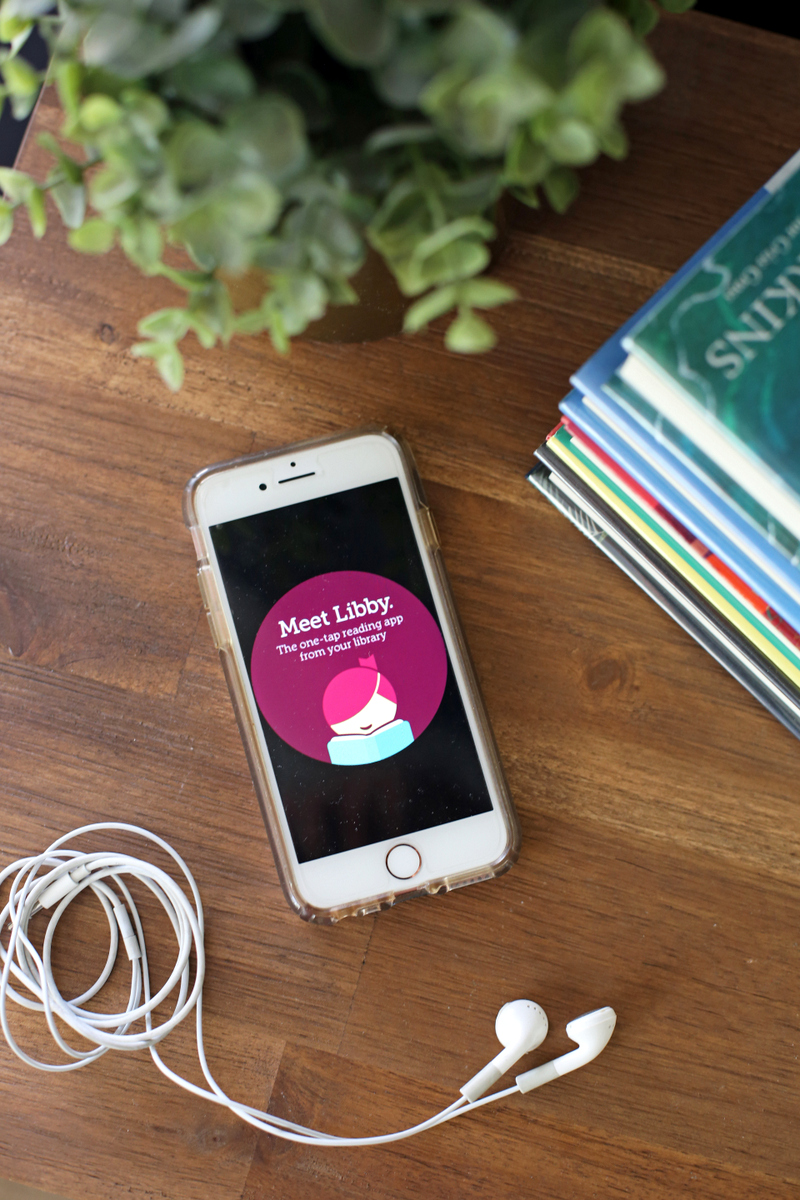
I know people miss the Overdrive app (because change is hard for all of us!), but when I compare the Overdrive app and the Libby app, the Overdrive app felt to me like it was built for a desktop and then was kind of wedged into app format.
The Libby app, on the other hand, feels designed especially for use on phones and it’s just so smooth, streamlined and WAY user friendly.
If you haven’t tried it out, I highly recommend you give it a spin! It’s so clean and easy (and free).
And if you have other questions about either Overdrive or Libby, please ask in the comments and I’ll do my best to answer!




I have both the Overdrive and Libby apps, and I still use Overdrive more than Libby. I guess I just don’t like change 😉
Mostly of what you mention as benefits without Libby–app not logging you out, Kindle books checking out directly to Kindle/Kindle app, seeing hold line lengths and available formats, listening to/reading samples in-app–are all things I do regularly with Overdrive. I wonder if any of those issues could be resolved by managing preferences in the app for a better experience!
It’s very possible! For me, the ability to use multiple library cards at multiple libraries without logging in and out makes for such a much better experience on my end that I really wouldn’t even consider using the Overdrive app anymore as my primary app.
And I’ve had multiple library cards on Overdrive, without having to log in and out, but you still have to toggle on the sidebar. I’ve never been able to toggle right inside your search/holds list/etc. It’s actually amazing that you tolerated Overdrive so long if you constantly had to be login in so many cards. Having to keep typing out card numbers sounds so annoying!
I’m feeling very loyal to Overdrive because it took so long for me to love it and now it feels like I can’t let it go. I’ve downloaded Libby and looked at it a few times, but can’t quite make the jump. Toggling between multiple accounts might just be the push I need. Also, Overdrive intermittently logs me out, but I have a note on my phone which consists of all our library card numbers in one place. Then I never have to dig out my cards! With 5 kids, this has been a lifesaver. But maybe you don’t need that too with Libby. Anyway, adding my daughters’ accounts tonight!
My first choice is a physical book, but if I read an ebook Iactually prefer reading a book with Libby rather than my Kindle App. It is visually appealing and super easy to use!
I LOVE Libby and was so happy when they released it! I use Overdrive on the computer once a month to add new books to my wishlists and request books but otherwise I use Libby for everything else. It’s awesome.
I consider myself an ambassador to all book enthusiasts. And I love Libby, but I wish it had a wishlist feature too.
My guess is that your local library has to subscribe to Overdrive and/or Libby in order for you to access Libby…my library does not and there are many smaller library systems that don’t (Overdrive is expensive for libraries!). So…though it sounds amazing, Libby isn’t universal.
This is only possible if you have a library card correct? I’ve been trying to find a better/cheaper way to access audible books since we live almost 2 hours from any libraries! I debated paying for a card ($35), that is the only way if you live out of the county, but I’ve been able to keep a decent stock of paperback books via vintage stores or off of kindle. But we LOVE audible books! It would be great if we could find a way to access more.
Yes, you’ll need a library card!
What about Libby vs Hoopla? Does Hoopla content show up in Libby? My library has all three.
Those are completely separate platforms so they won’t show up on both.
Can you tell me what I am doing wrong. I am a new user to borrowing audiobooks from the library; never used overdrive and downloaded libby to my iPad and got a library card. I set it to download everything since we will mostly be using this in the car. So I selected an audiobook for a trial run while we took our senior hound to the vet and had to wait in the car for her. I could not get it to play, got the error msg that I had to be on internet to open it. The book had the little checkmark by it and not the cloud and I have no idea what I am missing (other than a good book). I can listen to it when home on internet but need it for our long snowbird migrations. Any suggestions please.
Hmm, I don’t know! I’d reach out to their customer service or call your library and have them walk you through it. Sorry not to be more help!
I love the Libby app with the exception that rarely can I find the books I’m looking for (many you suggest)! Does it pull from a central repository or is it correlated to my local county library system?
Libby’s collection is determined by what your library chooses to purchase. So you might have a library that has a MASSIVE collection on Libby or a library that has very very little included.
I feel like Libby never has the books I want, but I can sometimes find it on Overdrive. Is this just in my head does the library set aside a specific number for each platform? I haven’t been super impressed with Libby for that reason but can see how it is more streamlined. Thanks
I have NEVER heard this!