Why I Love the Libby App from Overdrive
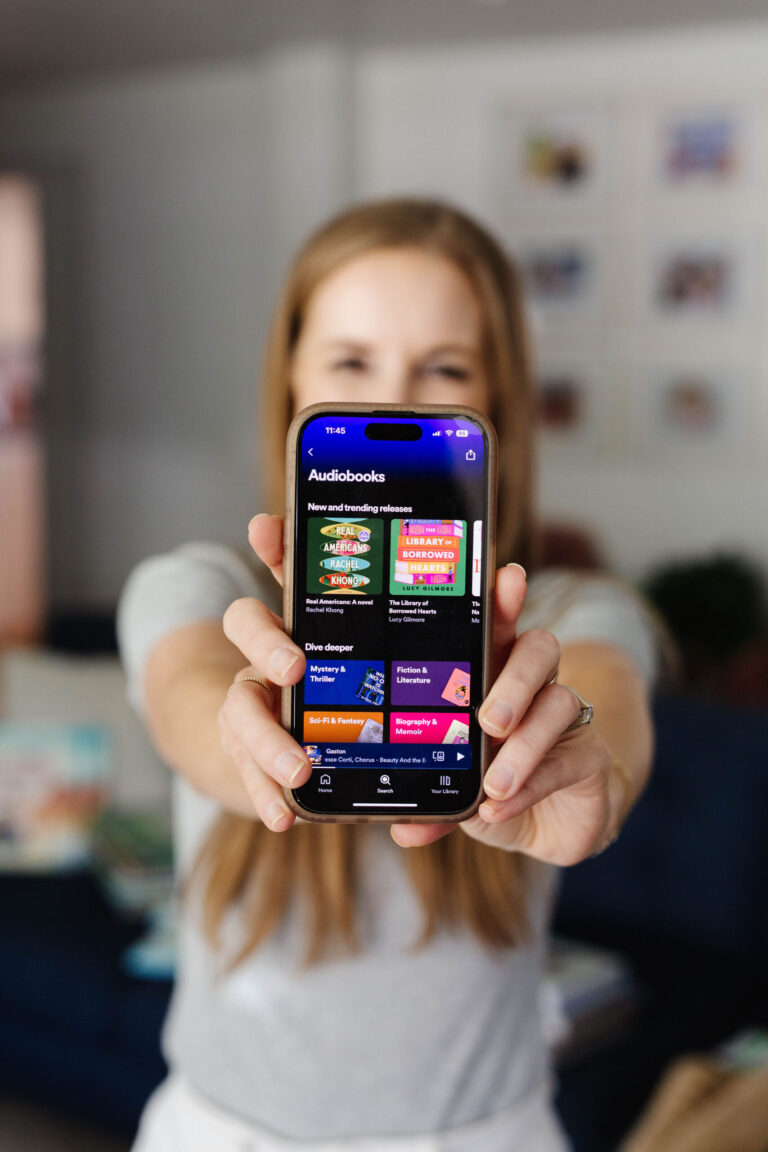
Have you tried out the Libby app? It’s a library app for ebooks and audiobooks made by Overdrive and it’s so simple and fun to use (plus it’s free!). Give Libby by Overdrive a spin and enjoy all the free audiobooks and ebooks your library has to offer, right from your phone!
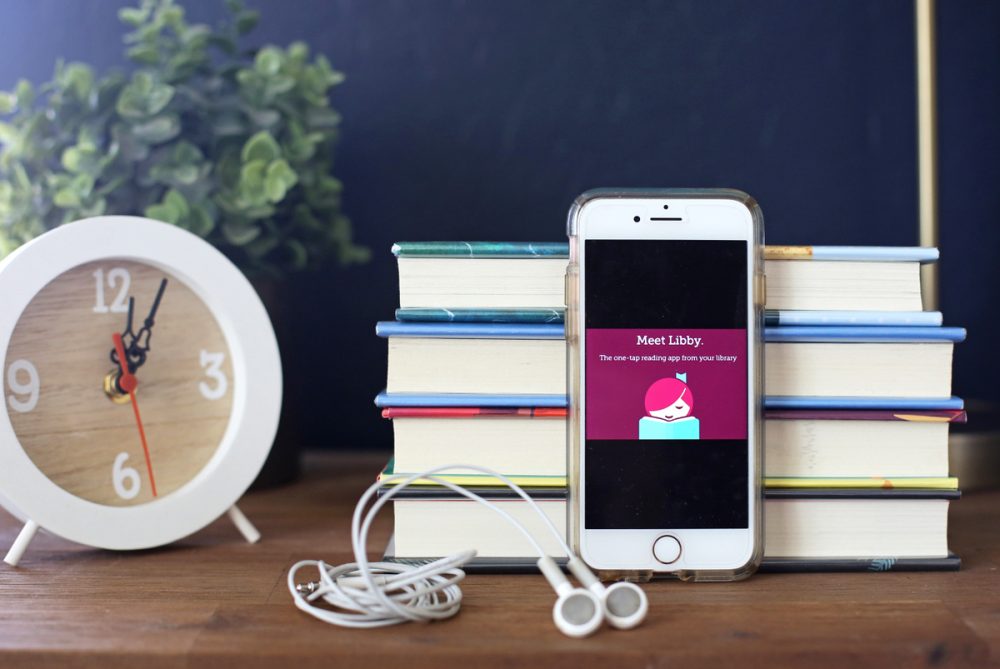
I started using Overdrive to listen to audiobooks on my phone from my library a decade ago, and it’s was one of my most used apps for years.
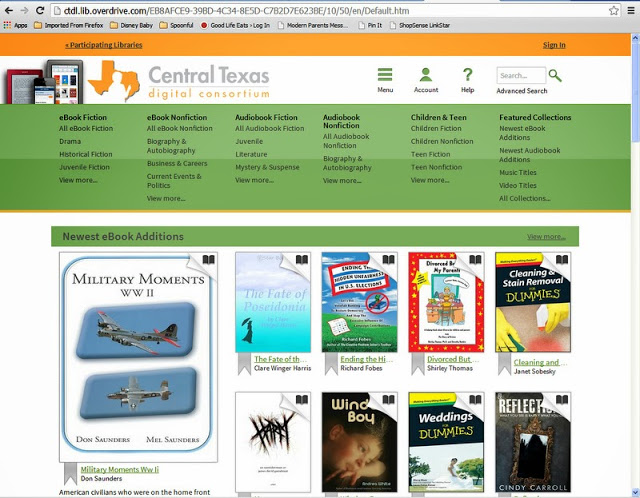
If you’re new to Overdrive, basically it’s a program that libraries can buy a subscription for to let their patrons download ebooks and audiobooks at home from their phones, tablets, or computers.
I wrote a whole post about how to use it here and I recommended it all the time.
Then, a few years ago, Overdrive released a new app called Libby.
I was curious, of course, about the Libby app and immediately downloaded it.
And I never went back to Overdrive (good news for me, because eventually Overdrive shelved the Overdrive app and moved entirely to the Libby app).
I personally find the Libby app to be SO much user-friendly and streamlined, and I think it’s much better than the Overdrive app ever was.
The Libby app reviews are through the roof, so I know I’m not the only one who loves this app (it has about 84,000 reviews averaging 4.7).
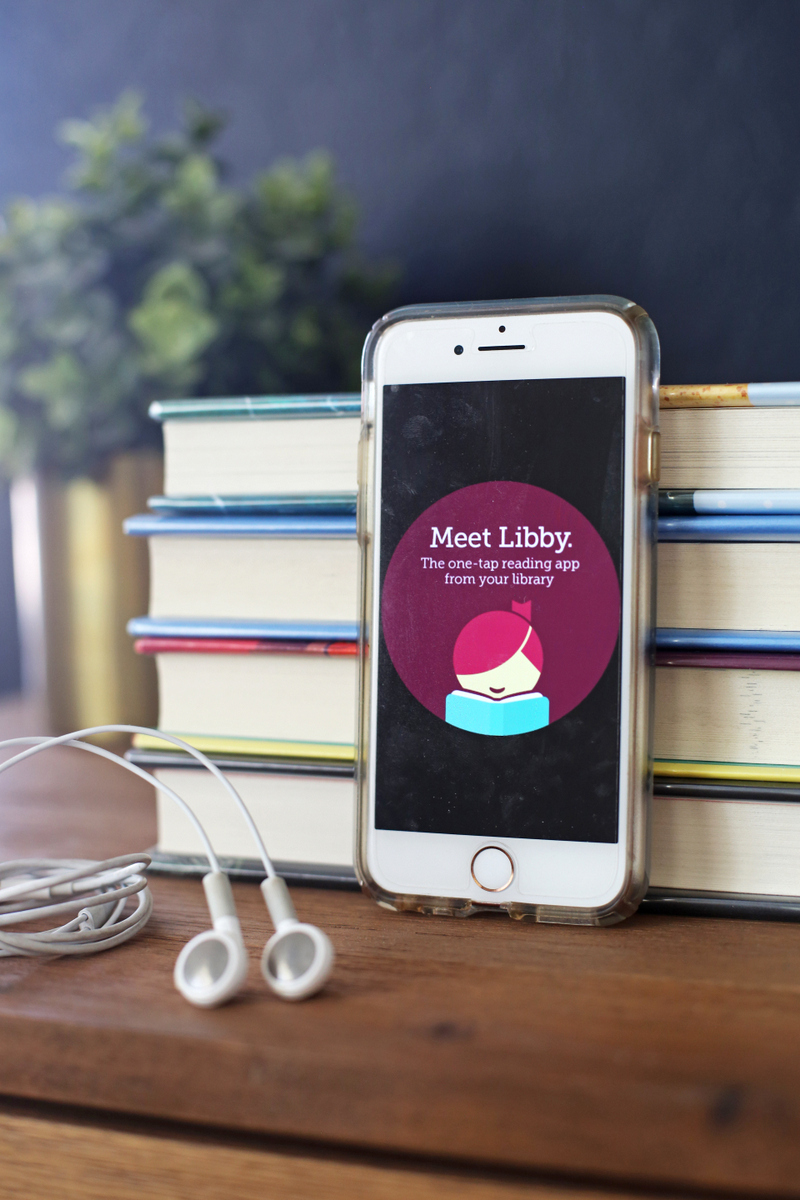
Here’s why I love the Libby app:
- You can easily switch between library cards and libraries. This is the number one reason I love the Libby library app with all my heart. I added all my libraries (I belong to several, because we’ve moved so much) and then I could add multiple cards for each library. For instance, here in Arizona, I have a card for me, plus a card for each of my two big girls, and if I go to check something out and one of my cards is full, it just shows me my other cards right there and I can toggle in half a second to the other one. No logging in and out. It’s seriously the best thing ever.
- It doesn’t log you out. Overdrive DOES log you out and this made me nuts because my phone wouldn’t always save my library card numbers and then I’d have to go grab my cards from my wallet and re-enter them fairly frequently. Libby hasn’t logged me out of any of my cards in the year I’ve been using it. So much teeth-grinding avoided right there.
- You can send Kindle ebooks right to your Kindle. This is so handy when I check out eBooks on Libby and I just click to send it right to my Kindle (it also shows up on my Kindle app on my phone).
- When a book comes up on hold, it automatically is added to your shelf. This was so irritating to me on the Overdrive app because once I got the email notification that my hold was available, I had to log-in (crossing my fingers that I’d picked the right card on the first try – which happened never), and then add the book to my bookshelf. Now, when a book comes up on hold, no matter what library it’s coming from or which card I used to place the hold, it shows right up on my shelf.
- You can easily see your prior Libby activity. This means I can quickly see which books I’ve checked out in the past and re-place holds on ones I didn’t finish or get to.
- You can see how long the hold lines are. Every book, whether you’re just browsing or you’ve already placed a hold, shows you not only how long the hold lines are but how long you can expect to wait for your turn to come up, whether that’s three weeks or six months.
- Every book shows you if it’s available in another format. If I’m looking at an e-book, toward the bottom of the description, it’ll show me if my library has it as an audiobook as well. I love this feature.
- You can read or listen to a sample of any title without downloading anything or having it open in a new window. The sample is just right there in the app, ready for you.
- You can set it to automatically download your items or only download when you ask it to. Because I share my cards with my girls, I don’t necessarily want 300 Boxcar Children audiobooks automatically downloading to my phone, so I’ve set it to just download when I choose. It’s one click and then I have my books, without having to clog up my phone with their books!
- You can choose to stream if you’re on wi-fi instead of downloading. For all those people who’ve asked me about their audiobooks taking up too much space, this is for you! I haven’t personally had any problem with them taking up too much space on my phone, but it’s nice to have the option to just stream instead of downloading.
What doesn’t the Libby app have?
- It currently doesn’t have a wish list feature like Overdrive did. Although you can use tags to basically make your own wish list, so I don’t really miss it. And word is that a wish list feature is coming.
- It isn’t compatible with all devices.
- You can’t yet request that your library buy a book for their Overdrive collection. This is my only real complaint about the Libby app, but they promise it’s coming soon.
A couple of questions about using Libby by Overdrive:
- Is there any reason to use both the Libby and Overdrive apps? You can’t anymore because the Overdrive app is no longer available.
- If you check something out on Overdrive, is it also checked out on Libby (and vica versa)? Yes! So I can see everything my girls have checked out whenever I log into Libby, which I like.
- Can I try out the Libby app without downloading it? Yes! You absolutely can which I think is so fun. Give it a spin on their page here – it’s a ridiculously powerful demo and is JUST like using it on your phone.
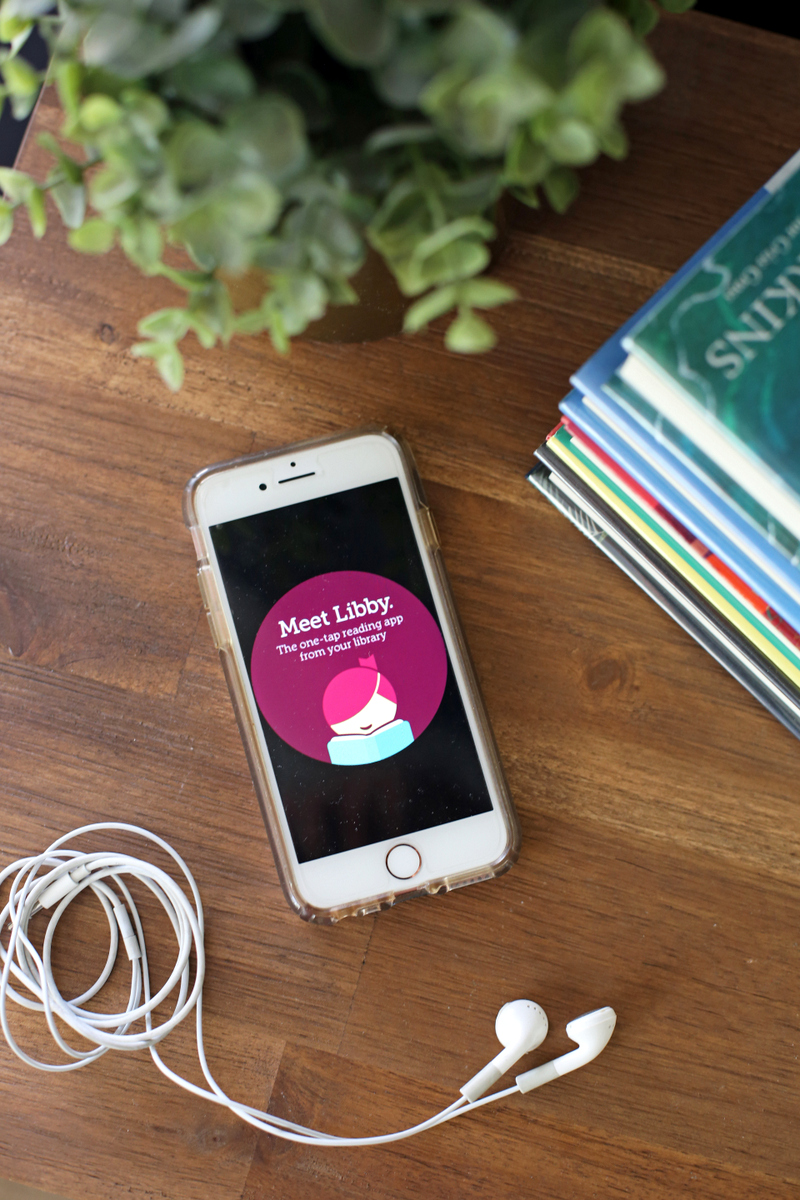
I know people miss the Overdrive app (because change is hard for all of us!), but when I compare the Overdrive app and the Libby app, the Overdrive app felt to me like it was built for a desktop and then was kind of wedged into app format.
The Libby app, on the other hand, feels designed especially for use on phones and it’s just so smooth, streamlined and WAY user friendly.
If you haven’t tried it out, I highly recommend you give it a spin! It’s so clean and easy (and free).
And if you have other questions about either Overdrive or Libby, please ask in the comments and I’ll do my best to answer!



This is so helpful because I use the overdrive app frequently and don’t have too many complaints about it besides getting logged out all the time! I am definitely going to download this tonight and try it and maybe make the switch!!!! 🙂
Let me know what you think!
I also have the Libby App on my phone and really like it. I loaded both mine and my husband’s library cards on it and it’s really nice to be able to see all our holds in one place and how they are progressing!
YES! I just love it so so much.
Why can’t you use it to hold on hardbacks& paperbacks would be much easier.
I just started using the Libby app and love it. I think you’re right about Overdrive being designed for the desktop and Libby being a “true” app. Great review of a great product!
So glad you love it too!
I downloaded Libby but I never use it – I am just so used to Overdrive that it feels pointless to learn a new app. I have only one library card and I have the number memorized though, so it’s not much hassle if it logs me out, which it doesn’t do often.
No reason to mess with a good thing!
I absolutely LOVE the “new” Libby app as well. It’s so much easier, like you said, and just feels like a better experience in general. Last week, I got my each of my 11-year-old twin step-sons signed up for Goodreads & Libby in the same night, showed them how it all works, and they’ve been going nuts since. I feel so proud of them, and that we can share this love of reading together!
Oh this is amazing!
You mention Goodreads and Libby — are they integrated? I would love to have my “want to read” available in Overdrive when I’m searching for books, rather than toggling between the two.
Totally giving this a try because I have not loved the other overdrive app!
Let me know if you like it better!
I didn’t understand why I needed the Libby app, but you’ve convinced me to give it a try!
I’m a very good audiobook missionary 😉
I love the Libby app for almost everything, but frustrated with one aspect. Like you, I have cards at multiple libraries; I like to check each library when finding a new book that’s on hold at my primary in case someone else has it available. If none of the three libraries have it, I place it on hold at all three libraries to see who can get it to me faster, and then cancel the holds of the ones I don’t use. Libby won’t let me search other libraries once I’ve placed an initial hold, and therefore I can’t put multiple holds on the same title at each library at which I’m a member. Hope that makes sense.
But, I still use it (just go to overdrive to place multiple holds).
Thanks for the hopeful review!
I use both apps. I would consider switching completely to Libby, but I don’t want to lose my wishlist (I hope it will automatically transfer to Libby when they add that feature ?). I like on the wishlist I can select “available now” and only see books I can borrow immediately.
I haven’t really looked very hard, but I don’t think you can access the videos on Libby or set to just access the children’s stuff like on Overdrive. All that being said, I still prefer the ease and set up of Libby better. Oh! I know everyone is saying Overdrive logs them out, but I have stayed constantly signed in for like 2 years ??♀️ Ok, this is super long, but I feel like this is the right place to voice my (mostly)love and hate(slight dislike) for Overdrive and Libby.
Definitely the right place!
I am a very devoted Overdrive user. I’ve been using it since before smart phones. I remember when they updated it so that you could put audiobooks from the site unto your iPod. I’ve been feeling pretty indifferent toward Libby. You almost had me convinced to try it until I read the 3 drawbacks. No wishlist and no ability to request books is a deal breaker for me. Let me know when they add these features, and then maybe I’ll try it.
I’ll keep you posted!
Thanks so much for this! I’ve downloaded the Libby app, but don’t use it that much b/c I didn’t really see how it was any different than Overdrive. Now I see! I’m going to start using it more now!
So, I have Libby and like it. Does it make sense to delete Overdrive from my iPad to hopefully free up a bit of memory?
Many thanks!
Love the Libby app! Plus, such a cute nickname for library!
I love Libby way more than Overdrive! However, I don’t think there is a way to edit the audio volume in Libby. Some of the audiobooks are so soft and I love to listen in the car and need them louder. Libby doesn’t seem to have any way to do that. Any suggestions? This was such a great post!!
Is there any reason to use the app if you don’t listen to audiobooks? I use overdrive on my desktop computer a TON to get ebooks on my kindle. I’ve used the overdrive app just a handful of times to play audiobooks for my kids in the car, but that’s it. Is it worth downloading? Can I use it just for ebooks?
Yes, absolutely! I love that it sends my eBooks right to my Kindle.
So helpful! I am downloading it right now.
You’ve convinced me! I really dislike the clunkiness of the overdrive app, and my library webpage keeps advertising Libby, but I hadn’t realized how much smoother it is. Thanks for the review and recommendation!
My primary experience with Overdrive was back in 2012/2013, before I had a smartphone. Getting audiobooks onto my iPod was a laborious process with frequent errors, so I basically stopped using it. I appreciated that the service existed, but it was just easier to read my print books and ebooks.
I got the Libby app on my phone in December, and it has made borrowing audiobooks and ebooks from my public library *so* easy. Everything is in one place, downloading books is done in just a few clicks, and if I finish a book before the borrowing period is up I can return it (this was…not the case back in 2012). Now I am more inclined to borrow digital resources from my library. It would be nice to have a proper wishlist feature in Libby, though.
New to Libby.
Can I switch to Kindle after the fact? Have started a book on the Libby app but now that I learned about Kindle possibility would like to change it if possible.
That’s a good question that I don’t know the answer to!
I had no idea this existed. I’m so excited to try this out. SO EXCITED! Thank you.